Photo Projection Jewelry: How It Works + 7 Picks That Actually Deliver
Photo projection jewelry uses a tiny inner lens — about the size of a grain of rice — to display a printed micro-image that becomes visible when you angle the pendant against a light source. The technology dates back to 1857 (the Stanhope lens), but modern PVD-plated stainless steel pieces have made it durable and affordable for daily wear.
If you've ever wondered how those "see the photo inside" necklaces actually work, this guide is for you. We'll break down the optics, the picks worth buying, and the practical things nobody warns you about.
How does photo projection jewelry actually work?
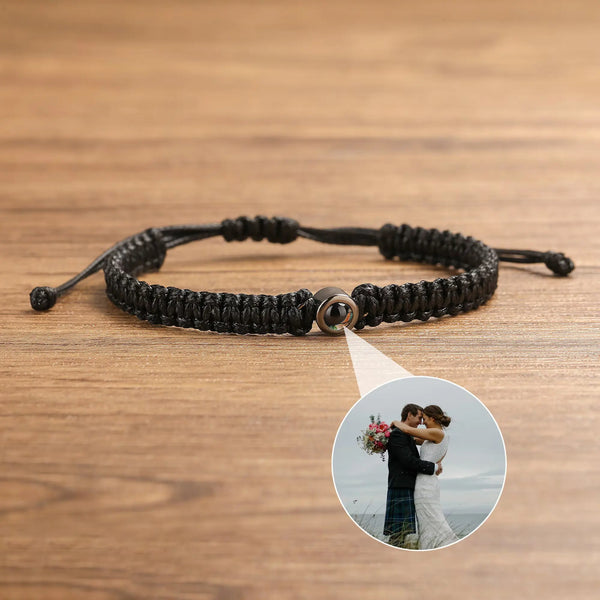
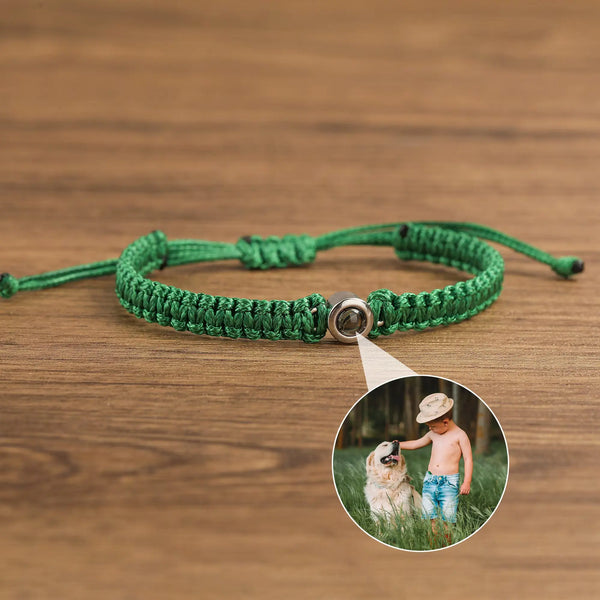
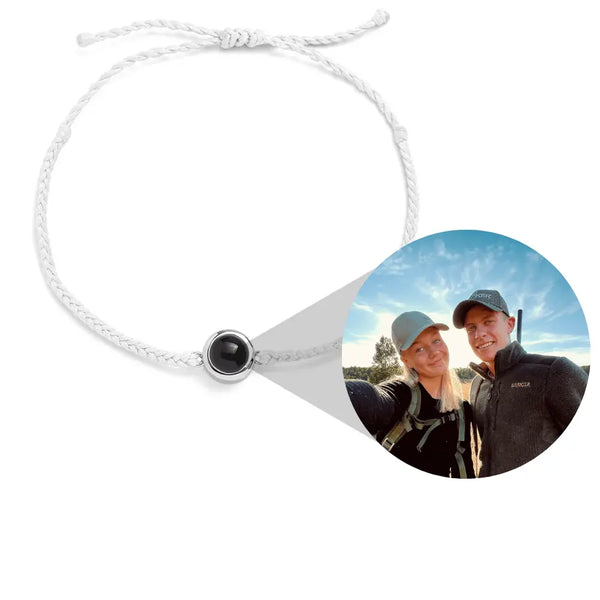
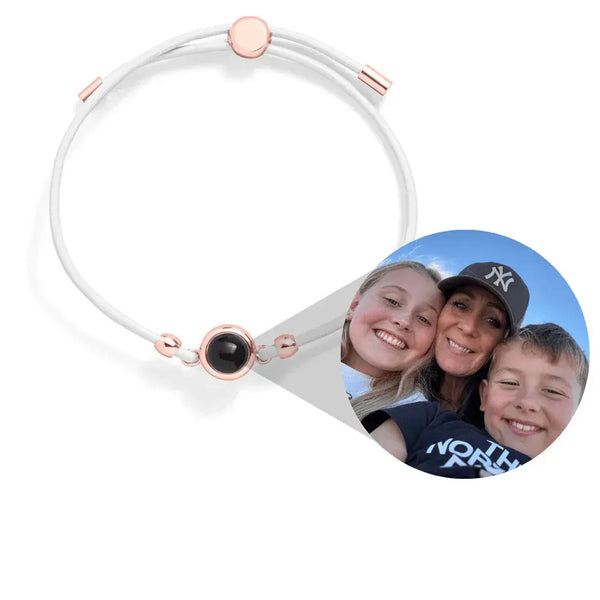
Inside the pendant, behind what looks like a plain steel surface, is a microscopic optical lens. Your printed photo (compressed to ~1mm) sits behind that lens. When you angle the pendant against any light source — a window, a phone screen, a lamp — your eye sees the magnified photo through the lens. The image appears suspended inside the pendant.
Three components have to work together:
- The lens: a precision-ground micro-optic, usually plano-convex, that magnifies the tiny image to a viewable size
- The micro-photo: your image printed at ~600 dpi onto a transparent or semi-transparent substrate, compressed to fit behind the lens
- The viewing channel: a tiny aperture in the back of the pendant that lets light pass through and illuminate the photo
The technical name is a Stanhope lens — invented in 1857 by Frenchman René Dagron, originally used in jewelry mourning rings to hide micro-photos of deceased loved ones. The modern PVD-coated steel version is identical in optics, just durable enough to shower with.
Projection vs hidden locket vs traditional locket — what's the difference?
People conflate these. They're not the same:
- Traditional locket: opens like a small clamshell, photo visible inside when opened. Bulky, intentional reveal.
- Hidden photo locket: photo inside a sealed pendant, viewed through a small hole. Static — you see what's there, no projection.
- Projection jewelry: lens magnifies and projects the image. The photo appears to float inside the pendant when viewed correctly. Most dramatic.
For mechanical details on hidden lockets specifically, see how hidden-photo lockets actually work.
The 7 picks worth considering
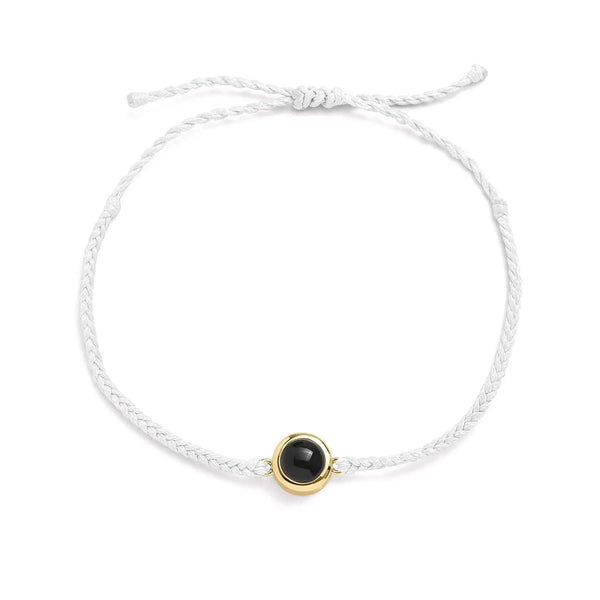
1. Custom Photo Projection Bracelet — most versatile
A steel cuff with the projection lens centered. Works for partner, pet, or family photos. The bracelet format makes it more visible day-to-day than a necklace pendant (you'll show it more often).
2. Custom Photo Projection Paw Necklace — for pet loss + identity
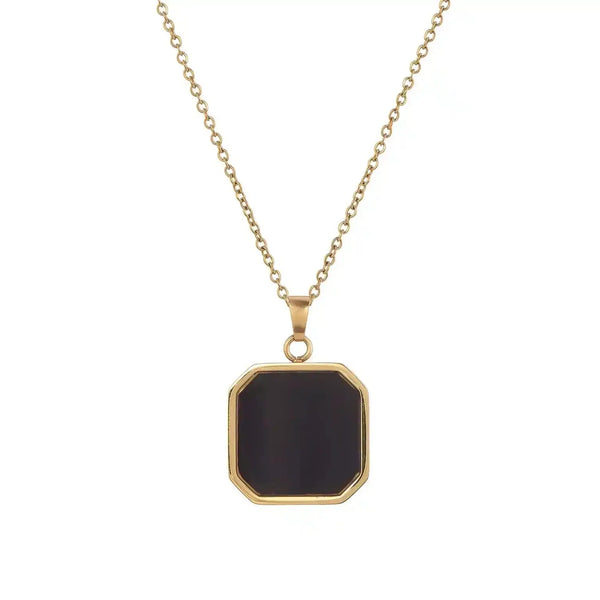
Paw silhouette on the outside, your pet's face projected inside. The dual-layer — visible paw + hidden face — works for both living pets and memorial wear.
3. Custom Bracelet with Photo Projection (Unisex) — for him
Wider, flatter cuff designed for masculine wrist proportions. The projection lens is centered for easy reveal. Works for partners, kids, or memorial.
4. Custom Secret Photo Necklace — for the every-day mom
Smaller pendant, daintier chain, projection lens set into a heart or oval pendant. The "secret" framing — what you see in the necklace isn't obvious to anyone else — appeals to wearers who want privacy with their sentiment.
5. Custom Photo Keychain with Projection — for the dad
Same projection technology, keychain format. Easier daily reveal (every time you reach for keys) and less self-conscious to wear than necklace jewelry.
6. Custom Photo Necklace (standard) — if projection isn't critical
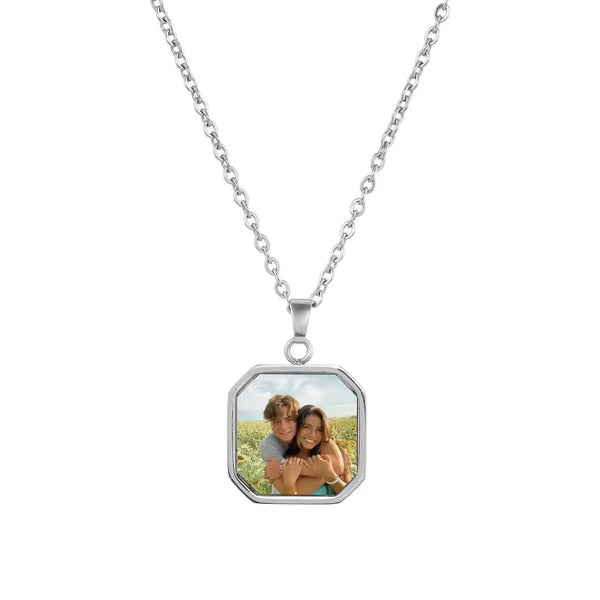
The classic photo-printed pendant without the projection lens. Photo sits on the pendant surface, full-color, visible at all angles. Trade-off: no "reveal" surprise, but image is always visible.
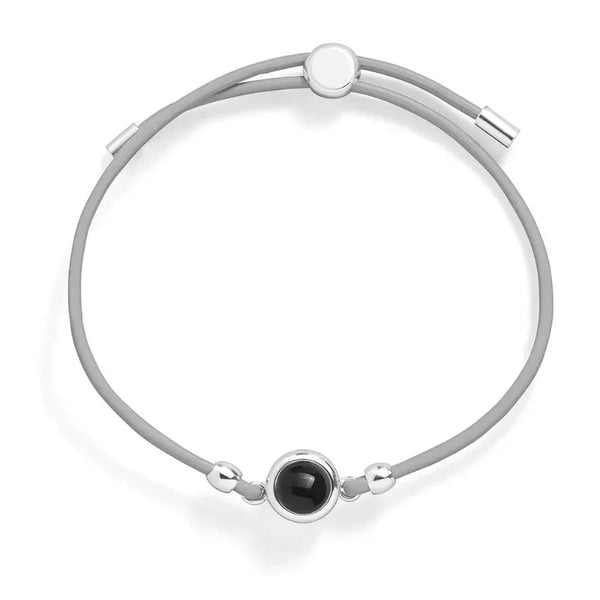
7. Custom Leather Photo Bracelet — for casual everyday
Leather strap, steel center, photo printed into the steel. Less formal than the projection pieces, durable for everyday rotation.
Practical things nobody warns you about
Photo quality matters more than you'd think. The lens magnifies whatever you give it. Submit a high-resolution, well-lit photo with clear contrast — a blurry phone screenshot will look blurry when projected. For pet photos, eyes-in-focus crop is the gold standard.
Light angle takes practice. First-time wearers often think their pendant is "broken" because they can't see the image. The trick: angle the pendant ~30° toward a light source, look through the lens (not at it), and the image appears. After 2–3 successful reveals it becomes automatic.
Black & white photos project sharper than color. The micro-printing process favors high-contrast images. If your original is washed out, ask production to convert to B&W — almost always sharper result.
Cleaning the lens needs care. Don't poke or scrape. Soft cotton swab dipped in warm water, gentle rotation, then dry with microfiber. See our cleaning guide for full instructions.
Is photo projection jewelry waterproof?
The PVD-coated steel exterior is shower-safe. The internal lens chamber is sealed during production — water shouldn't reach the photo under normal wear. We don't recommend swimming or saltwater exposure: prolonged immersion can compromise the seal over years. For daily showering, hand-washing, and rain: fine. For beach/ocean wear, remove it. (See our shower-safe guide.)
FAQ
How long does the projected photo last? The photo itself is sealed and doesn't fade under normal wear. The lens lasts a lifetime if not impact-damaged. Realistically: 10+ years of daily wear without degradation.
Can I change the photo later? No — the photo is sealed during production and not user-serviceable. If you want to update, you'd order a new pendant.
What's the max image complexity that projects clearly? Single face: excellent. Couple: good. Group of 3+: pushes the limits — consider a tighter crop on one or two faces instead.
Why does my image look upside down sometimes? The optical inversion happens through the lens — depending on which way you orient the pendant, the projected image can flip. Production positions the photo so the natural wearing angle shows it right-side up.